
Praktika is the best app to learn Japanese in 2026 for most learners. It gives you spoken conversations with human-like AI tutors, instant corrections on pronunciation, grammar and word choice, and explanations in your native language while every sound and sentence pattern is still new.
It suits beginners with a real reason to talk: anime fans planning a first trip to Tokyo, gamers and manga readers who want to speak, people with Japanese friends or a partner's family to get to know, and anyone with a daily commute to fill. You can speak from day one, long before you can read a train timetable in kanji.
The other nine apps take different routes, from game-style lessons and audio courses to script drills and live teachers. Each review explains who the app suits and where it falls short for Japanese.
This comparison is based on factual App Store and Google Play reviews and a detailed analysis of each app in November 2026.
Best App to Learn Japanese: The Top 10 at a Glance
This table puts the best Japanese learning apps side by side. Use it to pick two or three that fit your goal, then read the full reviews below.
| Tool | Best For | Key Features | Pros | Cons |
|---|---|---|---|---|
| Praktika | Speaking Japanese with an AI tutor from day one | AI tutors with memory, instant corrections, native-language explanations, adjustable speed and feedback style | Open conversation for beginners; tutors that remember you | No certificates or JLPT pathway; mobile apps only for now |
| Duolingo | A fun daily habit | Bite-sized lessons, character practice, streaks and leagues | Free core course; motivating game design | Trains recognition more than speaking; thin grammar explanations |
| Busuu | Structured lessons with native-speaker feedback | CEFR-aligned lessons, community corrections, adaptive study plan | Grammar and cultural notes; human corrections | Limited AI conversation for Japanese; ads in the free version |
| Speak | Short speaking drills | Speaking lessons, AI roleplays, instant feedback | Speaking-first format; fast feedback | Seven languages; uneven speech recognition |
| Rosetta Stone | Picture-based immersion | Translation-free lessons, pronunciation checks, offline mode | Calm, ad-free lessons; immersion from the start | No grammar explanations; limited open conversation |
| Pimsleur | Hands-free practice on a commute | 30-minute audio lessons, spaced recall, Pronunciation Challenge | Speaking aloud in every lesson; native audio | Few visual cues for the scripts; scripted dialogues |
| Memrise | Training your ear with real speakers | Native-speaker videos, goal tracks, AI conversation practice | Real accents and situations; goal-based vocabulary | Grammar on paid plans; redesign complaints |
| LingoDeer | Kana, kanji and grammar foundations | Kanji, kana and romaji display, grammar notes, spaced review | Clear grammar; strong Asian language courses | Self-assessed speaking; guided lessons stop around N4 |
| Mondly | Short lessons in many languages | 41 languages, chatbot, hands-free mode, VR app | Wide range; chatbot with corrections | Speech recognition complaints; quality varies by course |
| italki | Live lessons with Japanese teachers | 1-on-1 video lessons, lesson summaries, 150+ languages | Native teachers; free choice of teacher | Lessons need scheduling; cost grows with every hour |
If speaking is your goal, start with Praktika and add Pimsleur for time in the car. If you want to read and write too, pair it with LingoDeer for kana and kanji.
Why Learn Japanese With an App?
Japanese rewards little-and-often practice. Five vowels and fairly regular spelling in kana make pronunciation friendly for beginners, while grammar, word order and politeness levels take hundreds of hours of exposure to feel natural.
An app puts that exposure in your pocket. Ten minutes on the train each morning adds up to more speaking than a weekly class you keep postponing, and the best apps to learn Japanese now listen to you and answer back.
That shift splits Japanese learning apps into two groups: apps that teach mostly through tapping and character drills, and apps that put you in spoken conversations from the start. Our guide to the best language learning apps compares both groups across every major language.
What Japanese Apps Do Well
Good apps to learn Japanese make the scripts far less scary. Hiragana and katakana have 46 basic characters each, and most apps turn them into short drills you can finish in a few weeks.
They also build vocabulary with spaced review, native audio and lessons short enough for a bus ride. For an anime fan, that means catching words like itadakimasu and sugoi without waiting for the subtitles.
Where Most Japanese Apps Fall Short
Many Japanese apps teach you to recognize the language long before you can produce it. Matching kana to sounds and tapping word tiles builds reading skills, but a Tokyo izakaya asks you to order out loud, at speed, with a server waiting.
Politeness, with keigo at its most formal end, is the second gap. Anime characters often use casual or rough speech, and a line that sounds cool on screen can come across as rude to a shop clerk, yet few apps let you practice switching between casual and polite Japanese in conversation.
Speaking feedback is the third. Many apps check single words with speech recognition that reviewers often call unreliable, and few explain what went wrong in a language you already speak.
Best App to Learn Japanese Overall
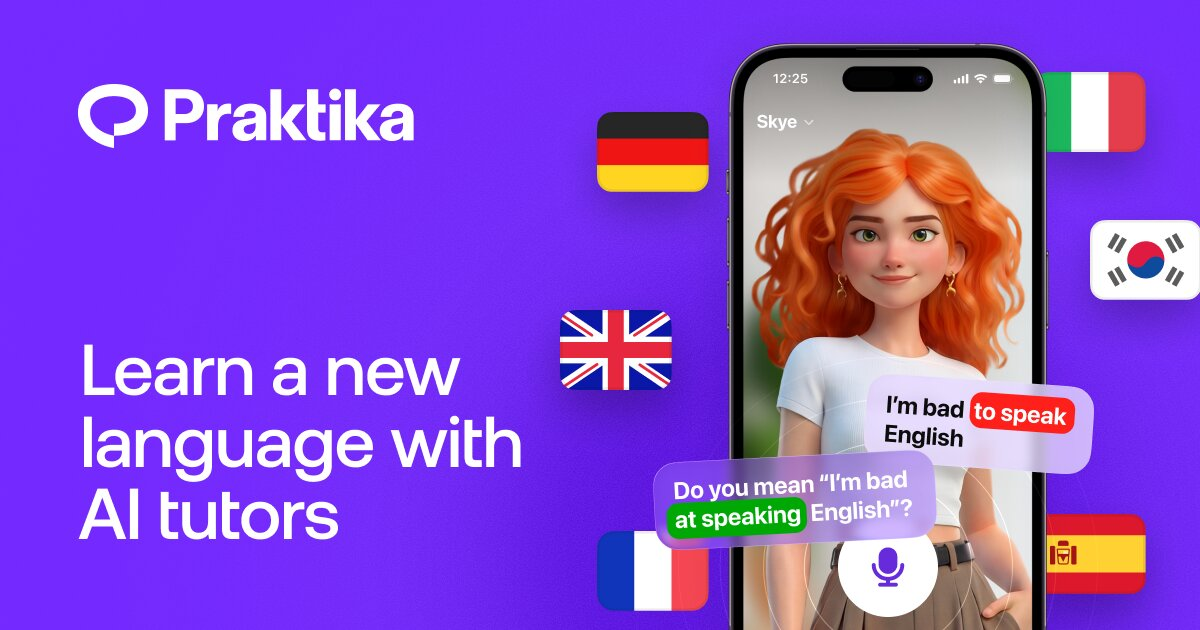
Praktika is the best Japanese learning app for most beginners because it gets you speaking from the first session. You learn Japanese with an AI tutor who explains in your native language at first, then gradually switches to Japanese as you progress.
That order suits Japanese well. You can practice ordering ramen or asking for directions at Shinjuku Station before you read a single kanji, and when you slip into casual speech with a stranger, the tutor shows a better way to say it and explains why in words you understand.
Tutors remember your goals, mistakes and the words you've learned, so a Tokyo trip six weeks away shapes every lesson. Sessions average 12 minutes, which fits neatly into a commute.
Best App to Learn Japanese: In-Depth Review & Comparison
Below, we review the best language learning apps for Japanese one by one, covering who each app suits, its main features, its strengths and limits, and what reviewers say about it.
The order reflects how well each app gets a beginner speaking Japanese with confidence.
1. Praktika
Overview
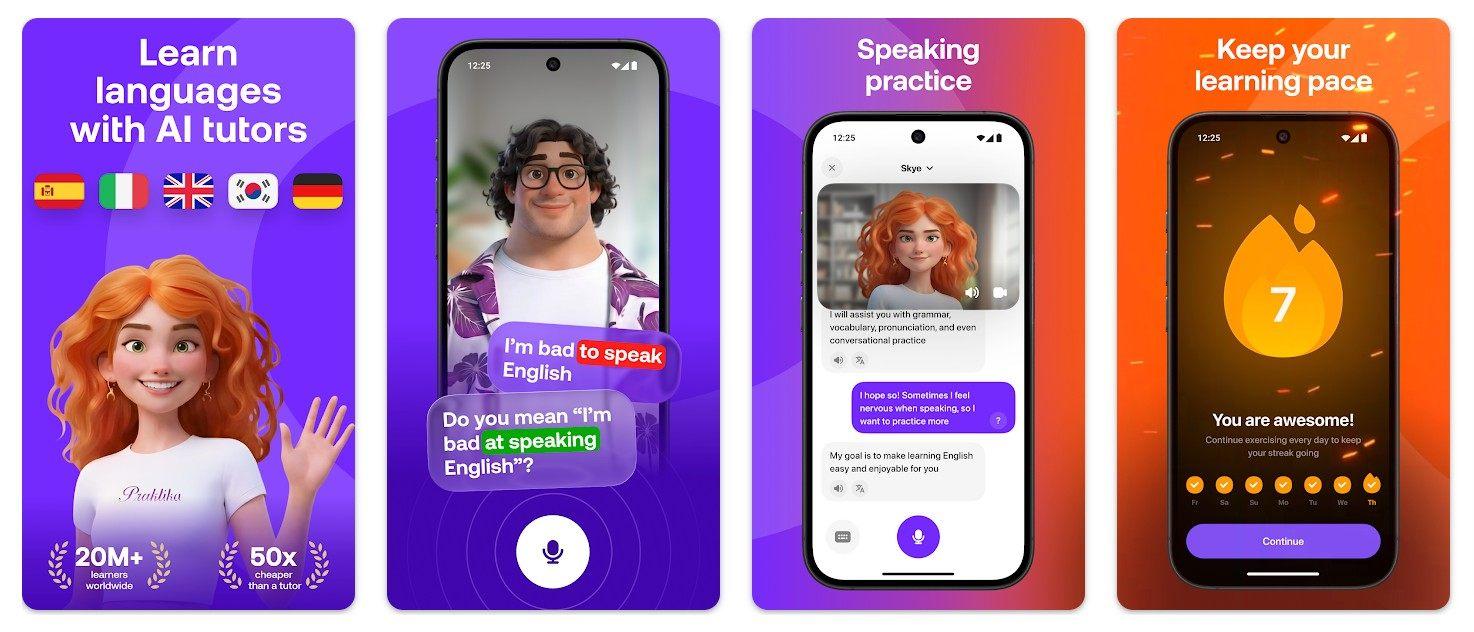
Praktika is an AI tutor app that gets you speaking a new language out loud, with confidence. You hold spoken conversations with human-like AI tutors who listen, respond and correct you in real time, on iPhone and Android.
Japanese is one of 14 languages Praktika teaches, alongside Korean, Mandarin, English and Spanish, and you can switch or add a language at any time. More than 30 million people have learned with Praktika, and around 2 million use it every month across 200+ countries and territories.
OpenAI featured Praktika as a case study in January 2026, and Praktika's 125,000-learner progression study found that many short sessions beat a few long ones. That's good news if your study time is a 15-minute train ride.
Ideal For
Praktika is the strongest pick for Japanese learners who want to talk more than they study.
- Anime and manga fans who want to speak the Japanese they hear on screen and learn where it fits in real life
- First-time visitors to Japan with a trip to Tokyo, Osaka or Kyoto booked a few weeks or months out
- Commuters who can spare 10 to 15 minutes on the train or bus most days
- Gamers and J-pop fans who want to chat with Japanese friends
- Complete beginners who want explanations in their own language while Japanese is new
It also suits shy learners, since you can make mistakes in private before trying your Japanese on a real person.
Top Features
Every Praktika feature is designed to increase your speaking time and the quality of the feedback you get.
- AI tutors with memory: Tutors remember your goals, recurring mistakes and new words, so each session picks up where the last one ended.
- Corrections as you speak: Pronunciation, grammar and word choice are corrected in the moment, with a better way to say it and a short explanation of the mistake.
- Native-language explanations: The tutor starts in your language and switches to Japanese gradually, which keeps particles and verb endings from feeling like a puzzle.
- Adjustable speed and feedback: Pick a slower speaking speed while your ear adjusts, and choose Soft, Balanced or Strict feedback.
- Practice scenarios and Custom Topics: Jump into ready-made situations such as ordering at a restaurant, or upload a script or document and role-play it with your tutor.
You can also photograph a menu, a sign or a manga page and turn it into a conversation, and every session is scored so you can see your progress over time.
Why We're the Best App to Learn Japanese
Praktika tackles the part of Japanese that most apps leave for later: speaking. You produce full sentences out loud from your first session, and every sentence gets feedback, so the gap between what you understand and what you can say keeps shrinking.
If you're weighing up the best language learning app for Japanese conversation, native-language support is the deciding factor. Japanese word order, particles and politeness levels work differently from English, Spanish or Portuguese, and hearing why in your own language makes the rules click sooner.
Progress maps to CEFR levels, so you can watch your vocabulary get harder over time. On average, 73% of active learners gain a full CEFR level in about 20 hours of practice.
Pros
Praktika's strengths make it feel like a private tutor in your pocket.
- Open spoken conversations in Japanese from the first session
- Real-time corrections on pronunciation, grammar and word choice
- Explanations in your native language while you're a beginner
- Tutors that remember your goals, mistakes and vocabulary
- 14 languages, with switching at any time
Most Japanese apps cover one or two of these points, which makes the full set rare.
Cons
No app suits every Japanese learner. These are the cases where Praktika may not be your first choice:
- You need a certificate for the JLPT: Praktika tracks your CEFR level, but it doesn't issue certificates and isn't a certified pathway for exams such as the JLPT.
- Reading and writing kanji is your main goal: Praktika centers on speaking, so a script-focused course such as LingoDeer fits better for drilling characters.
- You only study on a computer: Praktika runs on iPhone and Android today, and its web app is still in testing.
If your goal is to speak Japanese on your trip, these trade-offs rarely get in the way.
Customer Reviews
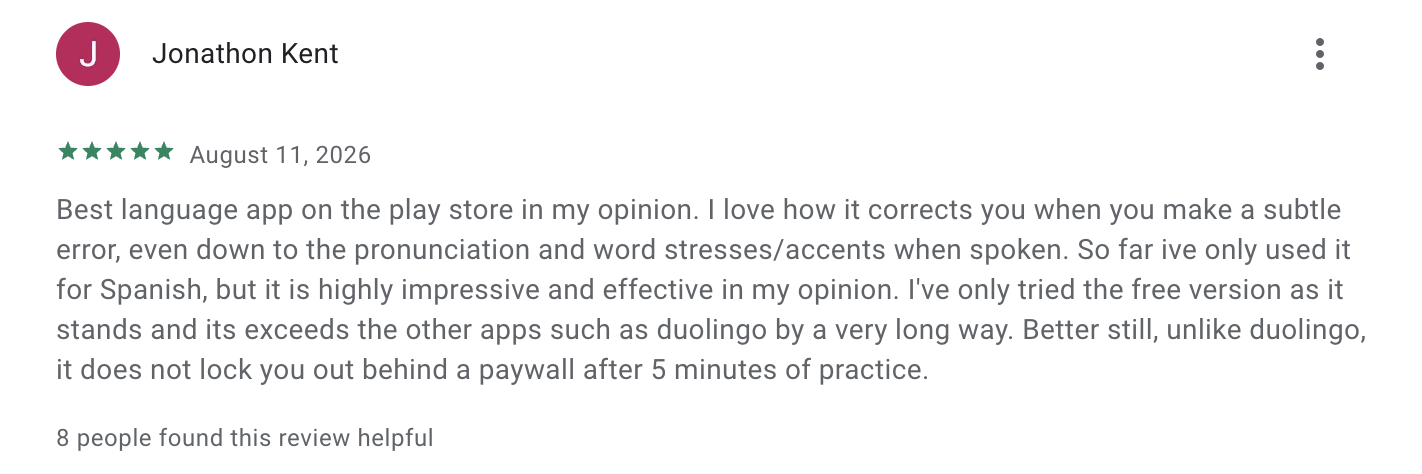
Praktika holds a 4.8-star average across more than 1.2 million ratings on the App Store and Google Play. Reviewers often say it's the first app that got them answering in full sentences after years of streak-based study.
The praise centers on corrections detailed enough to catch word stress, tutor voices that sound human and the freedom to practice without booking anything. Several reviewers also mention finding a tutor whose accent suits the language they're learning.
Final Verdict
Praktika is the best app to learn Japanese if your goal is to speak it. It pairs open conversation, instant feedback and native-language explanations with a tutor who remembers you, in sessions short enough for a commute.
For an anime fan with a Tokyo trip on the calendar, it's the most direct route from recognizing phrases to using them with real people.
2. Duolingo
Overview
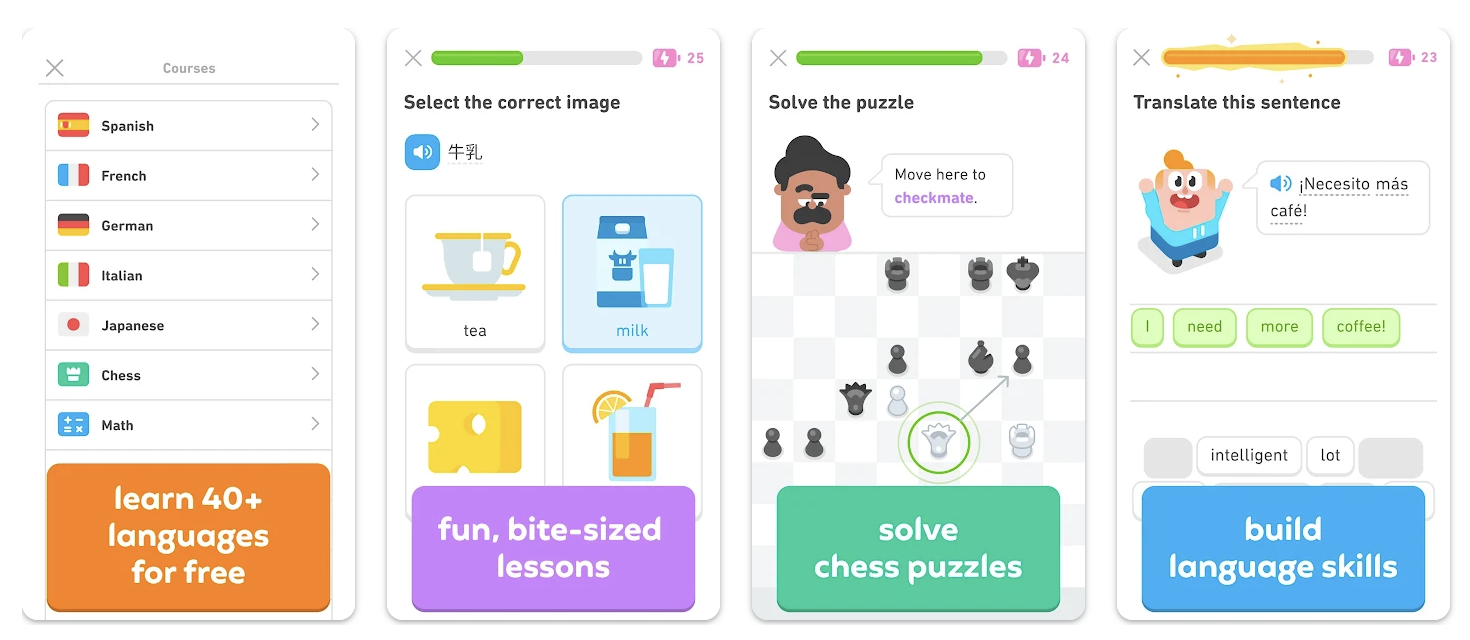
Duolingo is the world's most downloaded education app and the best-known name in language learning. It turns study into a game of short lessons, streaks, XP and leagues, with a green owl that reminds you to come back.
Japanese is one of its 40+ languages, and the course includes character practice for hiragana, katakana and basic kanji alongside vocabulary and listening drills. Paid tiers remove ads and add extras, and the top tier, Duolingo Max, includes AI features such as video calls with the character Lily in select courses.
Its biggest strength is habit-building, since few apps are as good at getting people to open them every day.
Ideal For
Duolingo works best for Japanese learners who want an easy, low-pressure start.
- Curious beginners testing whether Japanese is for them
- Anime fans who want to pick up kana and basic words casually
- Learners on a tight budget who want a free option
- Habit builders who respond well to streaks and leaderboards
It's less suited to learners who need to hold a conversation in Japan by a specific date.
Top Features
Duolingo's features are designed around motivation.
- Bite-sized lessons: Short reading, listening, writing and speaking exercises you can finish in a few minutes.
- Character practice: Drills that help you recognize hiragana, katakana and early kanji.
- Streaks, XP and leagues: Game mechanics that reward you for showing up daily.
- Duolingo Max: AI extras such as video calls with Lily, in select courses.
These tools keep you coming back, even on busy days.
Why It Stands Out
Duolingo stands out as one of the smartest starting points for Japanese beginners who aren't sure they'll stick with it. The free core course lets you learn kana and first phrases at no cost.
Its game design has introduced hundreds of millions of people to a new language. Reviewers say the daily habit it builds gives them the confidence to keep going.
Pros
Duolingo's strengths are access and engagement.
- Free core course in 40+ languages, including Japanese
- Kana and kanji recognition drills
- Habit-forming streaks and rewards
- Short lessons that fit any schedule
For building a first Japanese habit, few apps compete with it.
Cons
Duolingo's weaknesses show up once you try to speak Japanese.
- Exercises train recognition more than spoken production
- Little explanation of grammar rules, a point reviewers raise often
- The energy system limits practice time in the free version
- Speech recognition draws frequent complaints
Many learners keep long streaks and still freeze when a Japanese speaker asks them a question.
Customer Reviews
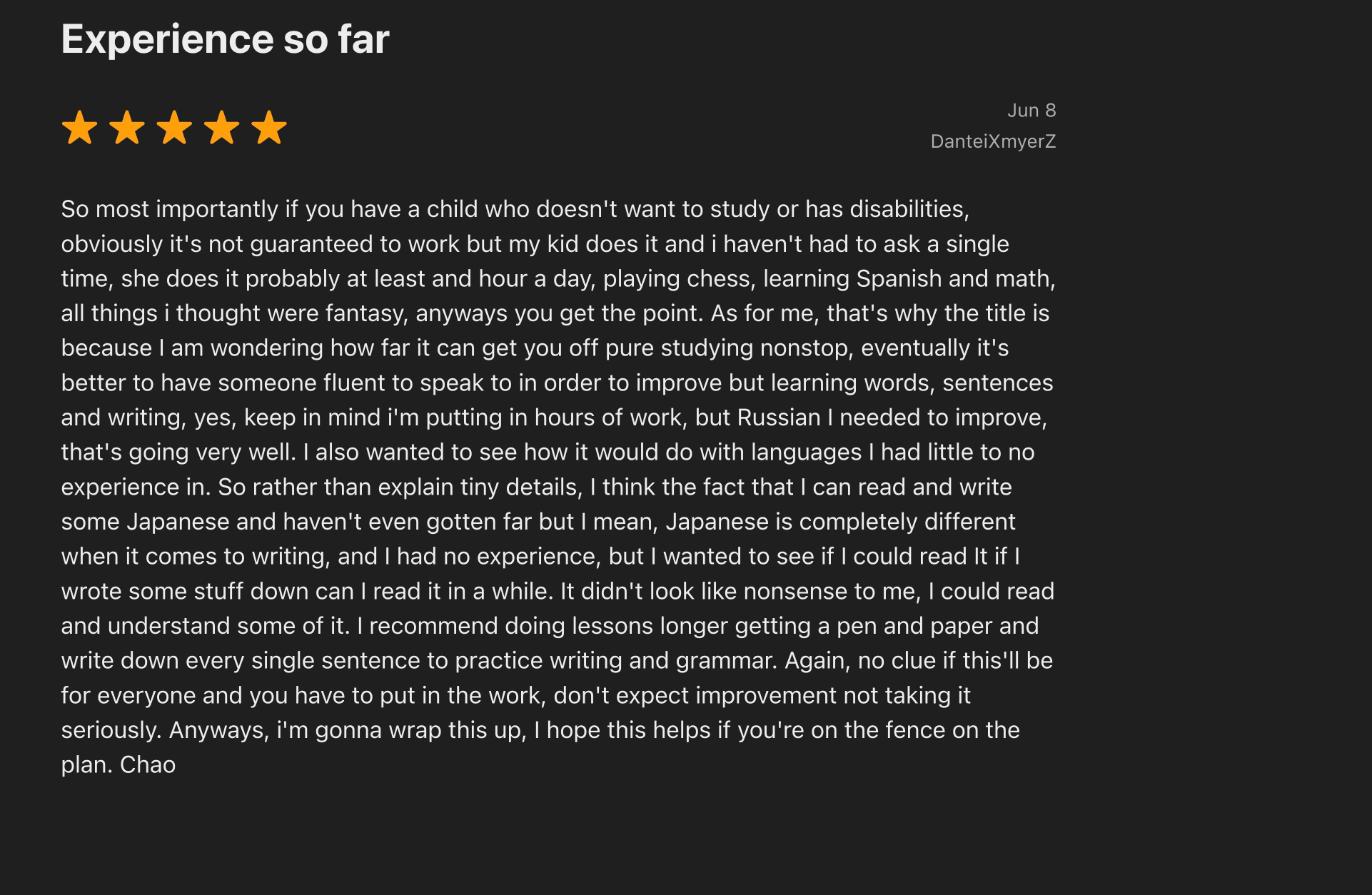
Duolingo holds 4.7 stars on the US App Store (5.5M ratings, Editors' Choice) and 4.8 stars on Google Play (51M reviews, 500M+ downloads). Users praise its habit-forming game format, the steady flow of new vocabulary and how engaging it is for families.
Recent complaints focus on the energy system cutting practice short, reward clutter, bugs, thin grammar explanations and surprise charges after free trials.
Final Verdict
Duolingo is a good free starting point for anime fans and casual learners who want to pick up kana and basic Japanese words.
It isn't built to make you a confident speaker, though, and most learners heading to Japan will need a speaking-focused app alongside it.
3. Busuu
Overview
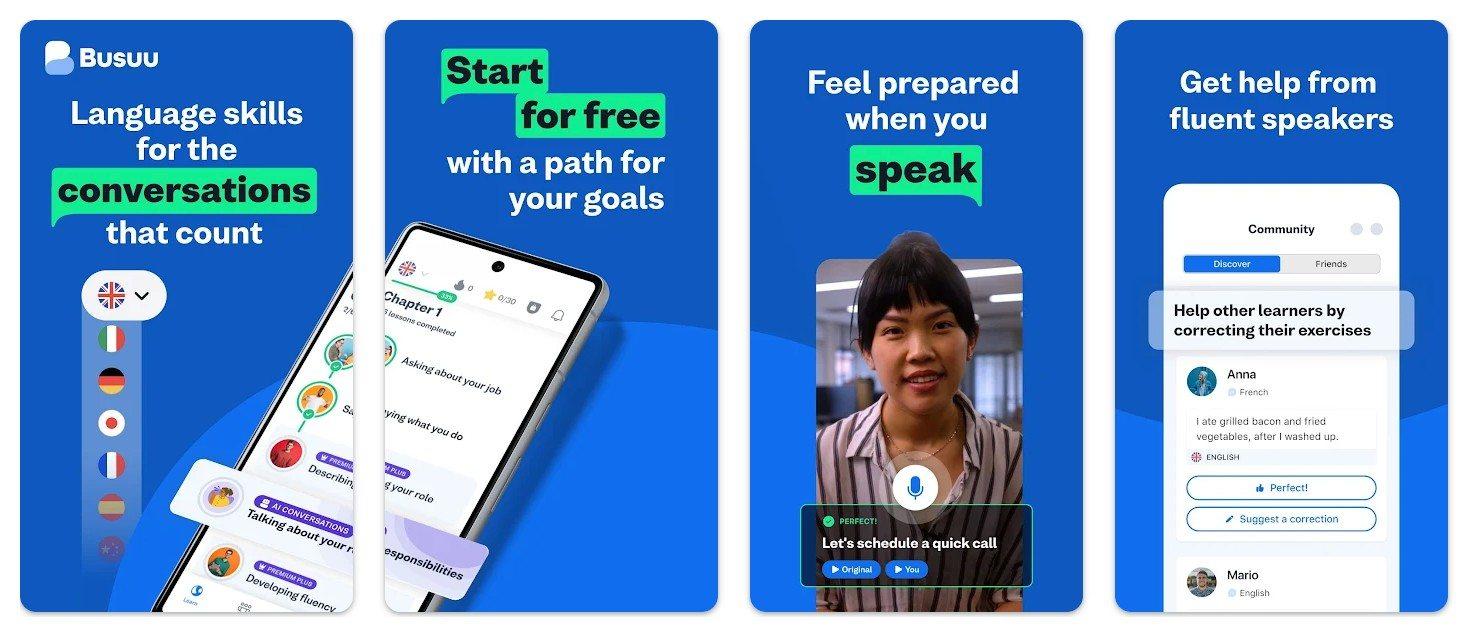
Busuu combines expert-designed courses with feedback from a global community of native speakers. Fluent speakers correct your written and recorded exercises, and you help learners of your own language in return.
It teaches 14 languages, including Japanese, with CEFR-aligned lessons, grammar explanations, cultural notes and videos of real speakers. Busuu is a Chegg service, and its adaptive study plan sets goals with an estimated completion date.
AI-powered Conversations sit on the top tier, Premium Plus, and only in some languages. One reviewer said they weren't available for Japanese, so check before you subscribe.
Ideal For
Busuu suits Japanese learners who want structure and human input.
- Beginners who like a clear, ordered lesson path
- Culture-curious learners who enjoy cultural notes alongside grammar
- Learners who want corrections from fluent Japanese speakers without booking a tutor
It's less suited to learners who want daily open conversation in Japanese.
Top Features
Busuu's features balance self-study with feedback from real people.
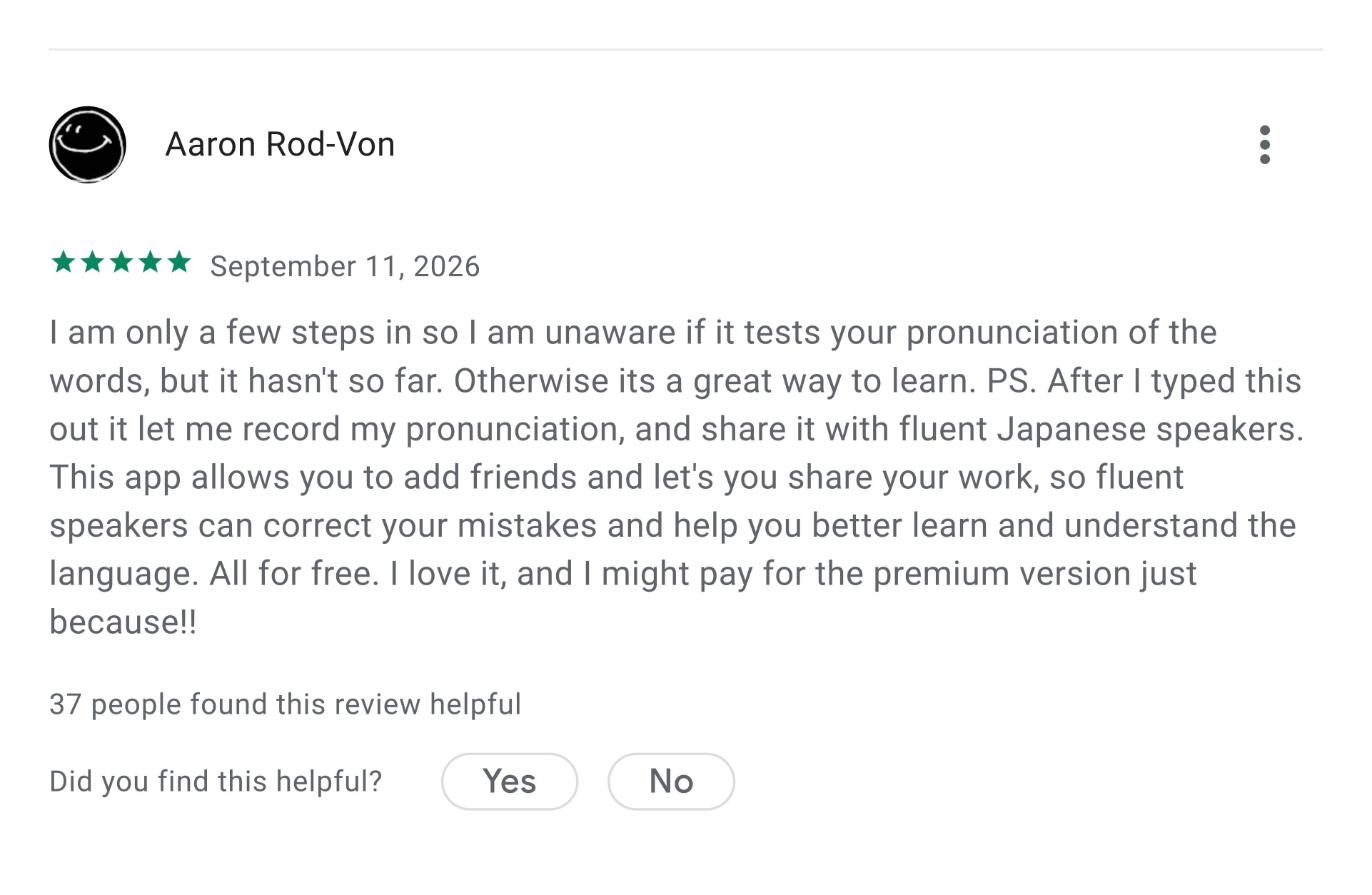
- Community corrections: Fluent speakers review your exercises, including recordings, so you hear how your Japanese sounds to a native ear.
- Grammar and culture: Explanations and cultural notes inside each lesson.
- Real-speaker videos: Clips that show how native speakers form each word.
- Adaptive study plan: Goals, checkpoints and an estimated completion date.
The community remains its signature feature.
Why It Stands Out
Busuu stands out as one of the strongest structured courses for learners who want human feedback without a scheduled lesson. Native speakers correct your work, a layer of feedback few apps offer.
Reviewers also say its lessons explain grammar and context in more detail than gamified apps, with phrases they can use in real life.
Pros
Busuu's advantages are a clear path and real people in the loop.
- Corrections from native Japanese speakers
- Grammar explanations and cultural notes
- Videos of real speakers
- A study plan with checkpoints
It's a well-rounded way to build a base in Japanese.
Cons
Busuu has limits for learners whose goal is speaking Japanese soon.
- One reviewer found no AI conversation for Japanese on their plan
- Another noted the Japanese course lacks dedicated kanji practice
- Frequent ads in the free version
- Community feedback takes time to arrive
You may finish lessons faster than you gain confidence in conversation.
Customer Reviews
Busuu holds 4.7 stars from 101K ratings on the US App Store and 4.7 stars from 1.24M reviews on Google Play, where it has 50M+ downloads. Users value the community corrections, the grammar detail and cultural notes, and videos that show how native speakers move their mouths.
The most common complaints concern ads in the free version, speech recognition glitches, and limited AI conversation and kanji practice for Japanese.
Final Verdict
Busuu is a smart choice for Japanese beginners who want a structured course and corrections from native speakers.
Its limited AI conversation for Japanese and delayed feedback make it slower going for learners who want to speak with confidence before a trip.
4. Speak
Overview
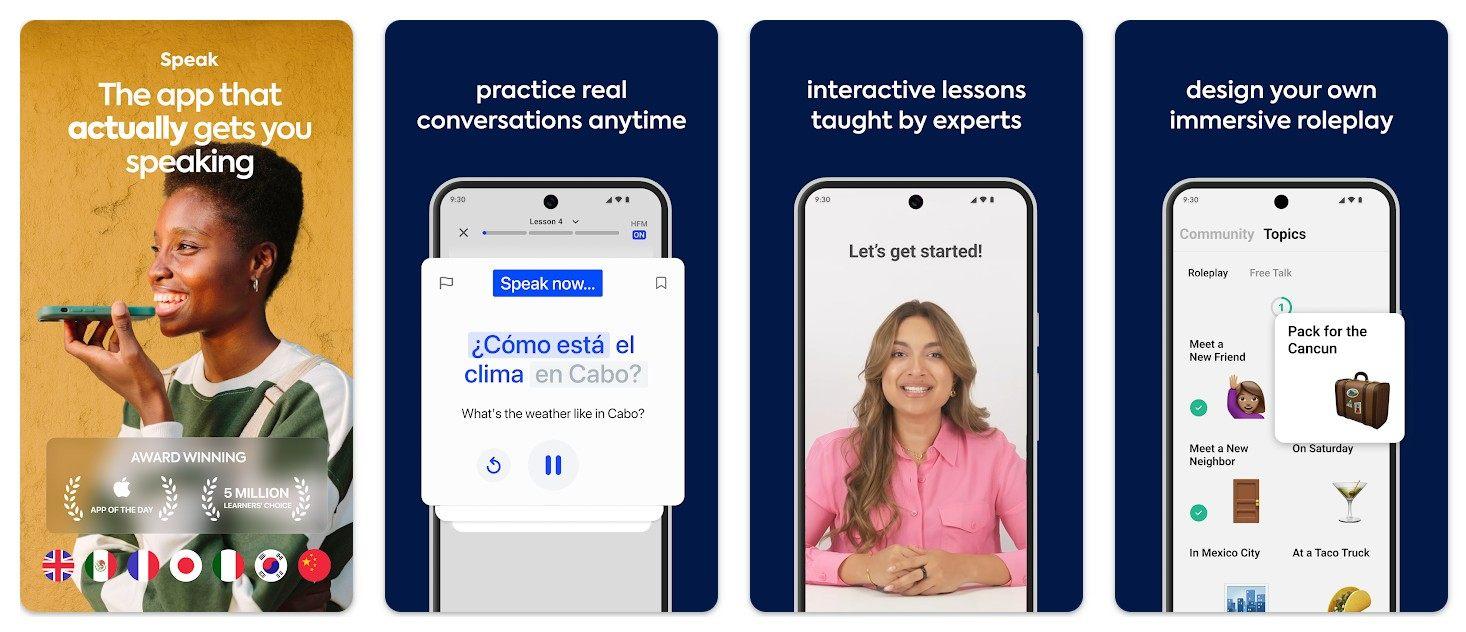
Speak is a speaking-first AI language app from Speakeasy Labs. Its lessons focus on saying full sentences out loud, with instant feedback after each answer.
Speak teaches seven languages: English, Spanish, French, Italian, Japanese, Korean and Chinese. It first grew popular in Korea and Japan as an app for learning English, and its lessons mix teacher videos, AI-powered speaking drills, roleplays you design and an AI tutor that answers questions.
The company is backed by the OpenAI Startup Fund, and recent updates added adaptive lessons and audio-first roleplays.
Ideal For
Speak suits learners who want structured speaking drills.
- Busy learners who like five-minute lesson chunks
- Learners who want to say full sentences in every lesson
- Intermediate learners who want to skip ahead to their level
English remains its best-known course, so try the Japanese course at your level before committing.
Top Features
Speak's features are built to keep you talking.
- Speaking lessons: Most of each lesson is spent saying sentences aloud.
- AI roleplays: Design a scenario, such as checking in at a hotel, and practice it with an AI partner.
- Instant feedback: Corrections right after you speak, so mistakes don't settle in.
- AI tutor and playback tools: Ask grammar questions, slow down audio and redo lessons.
Together, they make Speak one of the more active apps in the category.
Why It Stands Out
Speak stands out as one of the smartest choices for structured speaking drills. Reviewers describe its feedback as detailed and immediate, and some say they were forming sentences with confidence within days.
Its roleplays bring a sense of real conversation to scripted lessons.
Pros
Speak's strengths are focus and fast feedback.
- Speaking practice in every lesson
- Instant feedback on spoken answers
- Custom AI roleplays
- Short lessons for busy schedules
Within its seven languages, it delivers plenty of speaking repetition.
Cons
Speak has some limits for Japanese learners.
- Seven languages, so it can't follow you to an eighth
- Speech recognition is too strict for some users and too lenient for others
- Only one or two free lessons before you pay
- Advanced learners report running out of content
Its range suits learners who know Japanese is the one language they want.
Customer Reviews
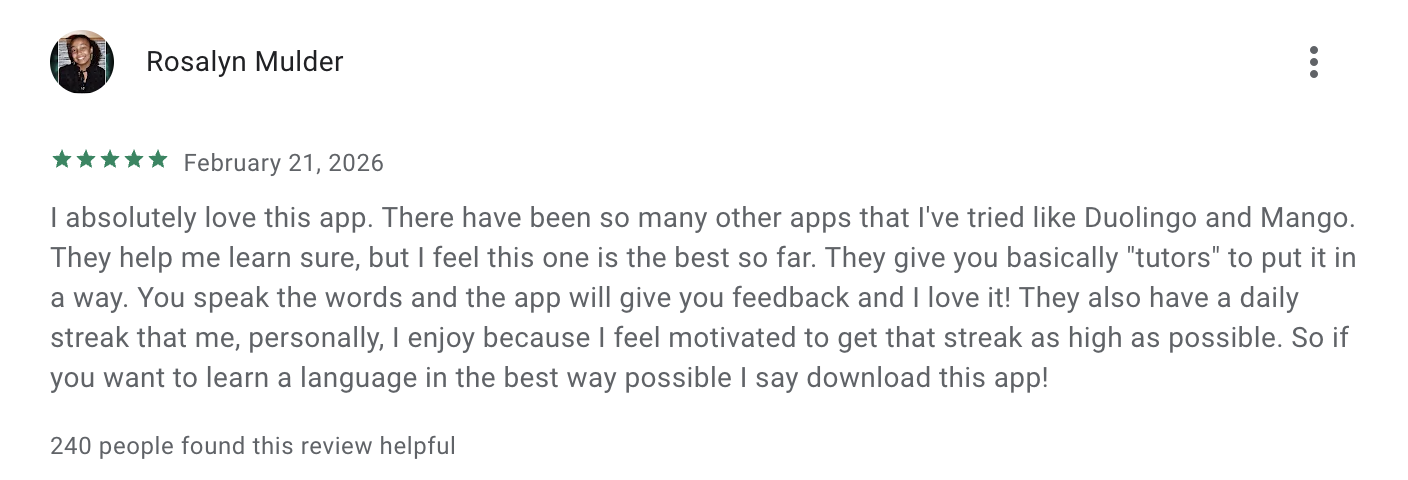
Speak holds 4.8 stars from 64K ratings on the US App Store and 4.7 stars from 125K reviews on Google Play, where it has 10M+ downloads. Users highlight its detailed instant feedback, immersive roleplays and how quickly they start building full sentences.
The main complaints are the quick paywall, inconsistent speech recognition and content that runs out at advanced levels.
Final Verdict
Speak is a good option for Japanese learners who enjoy short, structured speaking drills and want fast feedback on every answer.
Its narrow language list, uneven speech recognition and thinner advanced content hold it back. Learners who want native-language explanations or a tutor that remembers them will find a better fit elsewhere.
5. Rosetta Stone
Overview
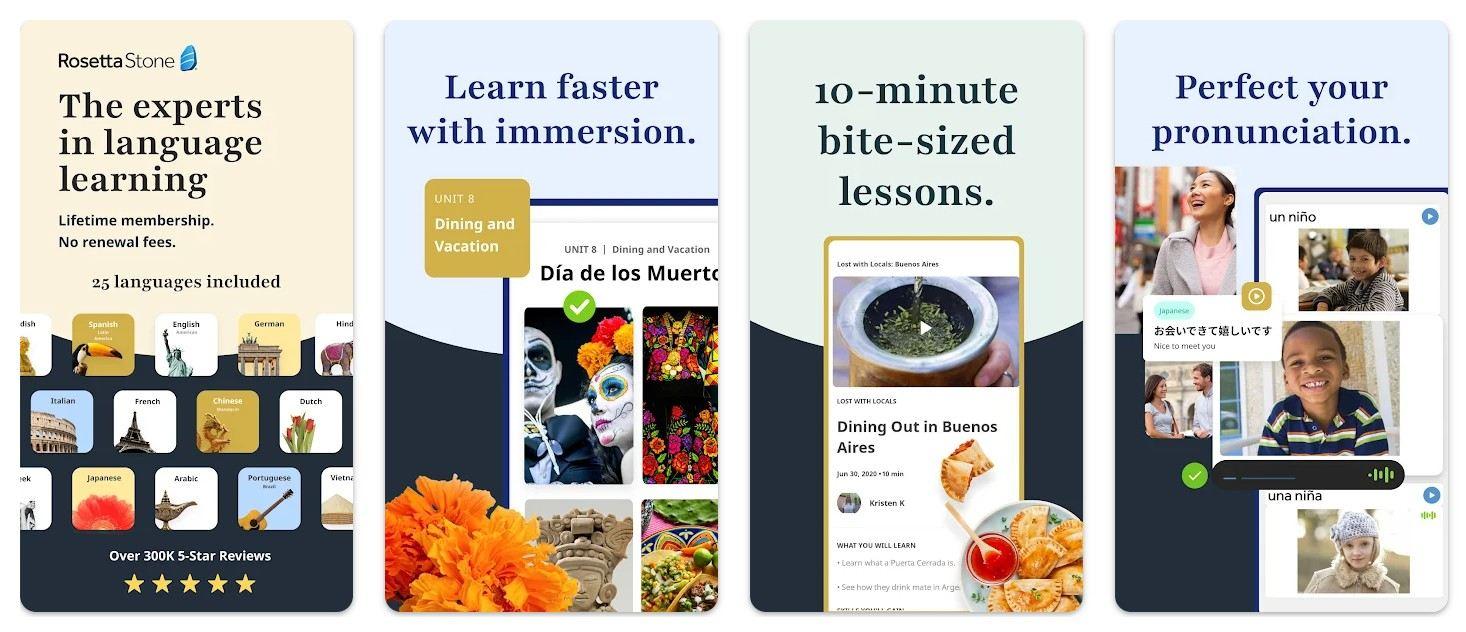
Rosetta Stone pioneered immersion-based language software and has taught languages since 1992. Its method skips translation, so you connect Japanese words and sentences to pictures the way children learn their first language.
It offers 25 languages, including Japanese, with lessons of about 10 minutes, pronunciation practice and offline downloads. The company is now part of IXL Learning.
The Rosetta Stone Classic app now serves existing subscribers and enterprise or education users, while new learners start on Rosetta Stone Sapphire.
Ideal For
Rosetta Stone suits Japanese learners who enjoy learning through context.
- Visual learners who think in images
- Learners who want full immersion with no translations
- Travelers who study offline on planes and trains
Learners who want Japanese grammar and politeness levels explained step by step may find it frustrating.
Top Features
Rosetta Stone's features revolve around immersion.
- Picture-based lessons: Images and Japanese only, so you start thinking in the language.
- Pronunciation checks: Speech feedback on your spoken answers.
- Short lessons: Around 10 minutes each.
- Offline mode: Download lessons for flights, including a long-haul one to Tokyo.
Its calm, ad-free lessons suit learners tired of game-style apps.
Why It Stands Out
Rosetta Stone stands out as one of the strongest options for pure immersion. You build direct links between Japanese words and meaning, which some learners find more natural than translation drills.
Reviewers often describe it as more thorough than gamified apps, and the offline mode is a plus for travelers.
Pros
Rosetta Stone's strengths come from its method.
- Translation-free, picture-based lessons
- Pronunciation practice in every unit
- Offline downloads
- 25 languages in one catalog
It's a focused alternative to game-style apps.
Cons
Rosetta Stone's approach leaves gaps for Japanese.
- No grammar explanations, which makes particles and politeness levels harder to grasp
- Speech recognition sometimes rejects correct answers
- Early vocabulary isn't always practical for travel
- Confusion during the move from Classic to Sapphire
Your comprehension may run well ahead of what you can say.
Customer Reviews
The Rosetta Stone Classic app holds 4.8 stars from 239K ratings on the US App Store and 4.8 stars from 406K reviews on Google Play, where it has 10M+ downloads. Users praise its immersion method, clear pronunciation audio, offline mode and calm, ad-free lessons.
The main complaints concern speech recognition, the absence of grammar teaching and access problems for lifetime subscribers moving to Sapphire.
Final Verdict
Rosetta Stone fits patient, visual learners who want Japanese immersion without distractions, especially offline.
Without grammar explanations or open conversation, many learners plateau. Those who want to speak with confidence in Japan will need more active speaking practice.
6. Pimsleur
Overview
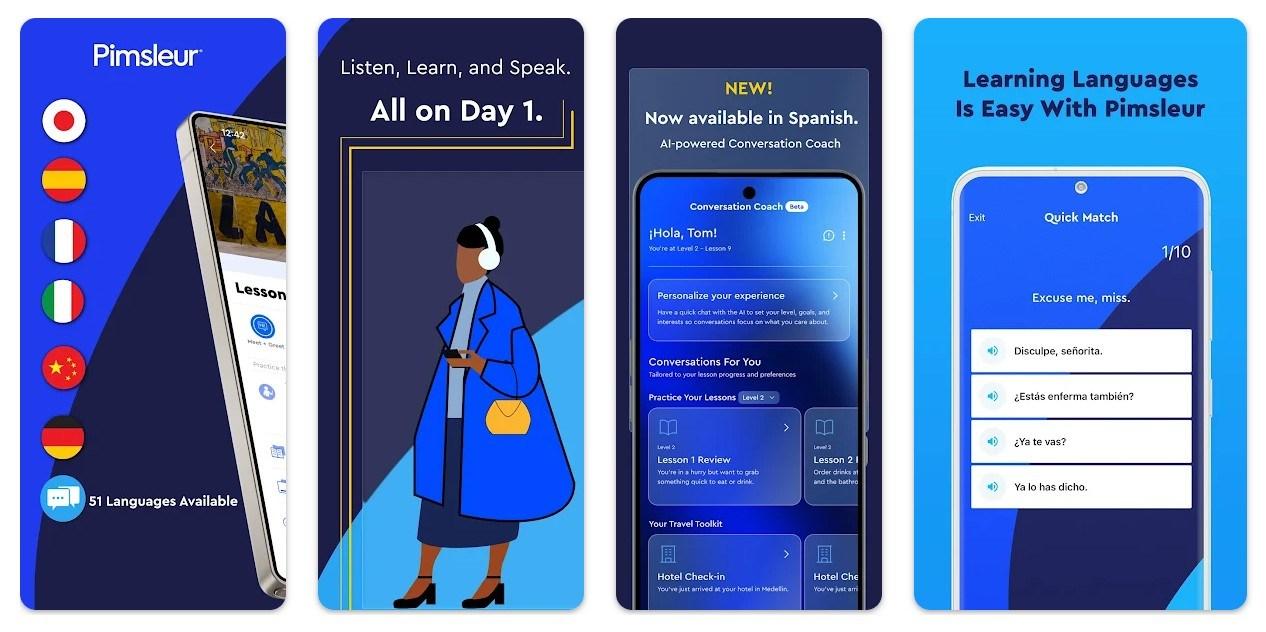
Pimsleur is an audio-first course that teaches you to speak through listening and answering out loud. Each 30-minute lesson asks you to recall phrases and respond, following the Pimsleur Method that Simon & Schuster has published for around 50 years.
It covers 51 languages, and Japanese is one of the languages sold as its own single-language subscription. Flash cards, quick-match games and a Pronunciation Challenge add practice between audio lessons.
Its AI Conversation Coach (Beta) currently covers only Latin American Spanish and French, so Japanese learners get the classic audio course.
Ideal For
Pimsleur is ideal for Japanese learners who learn best by ear.
- Commuters who drive and can't look at a screen
- Auditory learners who prefer listening to reading
- Travelers preparing for spoken exchanges in Japan
- Learners focused on pronunciation and natural rhythm
Visual learners, and anyone who wants to read Japanese soon, will need extra support.
Top Features
Pimsleur's features build on its audio method.
- 30-minute audio lessons: Each one builds on the lesson before.
- Spaced recall: Phrases return at set intervals to help you remember.
- Pronunciation Challenge: Focused speaking practice with AI listening.
- Flash cards and games: Vocabulary review between lessons.
The audio lessons remain the heart of the course.
Why It Stands Out
Pimsleur stands out as one of the smartest choices for hands-free Japanese practice. You respond out loud in every lesson without looking at a screen, which makes a drive count.
A reviewer who studied Japanese for more than 10 years called it the first app focused on speaking, pronunciation and listening. Another reached workplace proficiency in Japanese with it.
Pros
Pimsleur's strengths come from a long-tested method.
- Hands-free audio lessons
- Speaking out loud in every session
- Native-speaker audio
- Cumulative, structured lessons
Few courses fit into a drive this well.
Cons
Pimsleur's format has trade-offs for Japanese.
- Few visual cues, which reviewers say makes non-European scripts harder
- Fixed pacing that some find too fast
- Scripted dialogues with little open conversation
- No AI conversation practice for Japanese yet
You learn to respond well, but get little practice steering a conversation yourself.
Customer Reviews
Pimsleur holds 4.7 stars from 30K ratings on the US App Store and 3.9 stars from 16.7K reviews on Google Play, where it has 1M+ downloads. Learners praise its focus on speaking and listening, the hands-free format and lessons that build on each other.
Complaints cover plan structure, rigid pacing, subscription management and weak visual support for non-European scripts.
Final Verdict
Pimsleur is a strong pick for Japanese learners who want to build listening and pronunciation on the move, especially drivers.
Scripted lessons, few visuals and no AI conversation for Japanese limit it as your only app.
7. Memrise
Overview
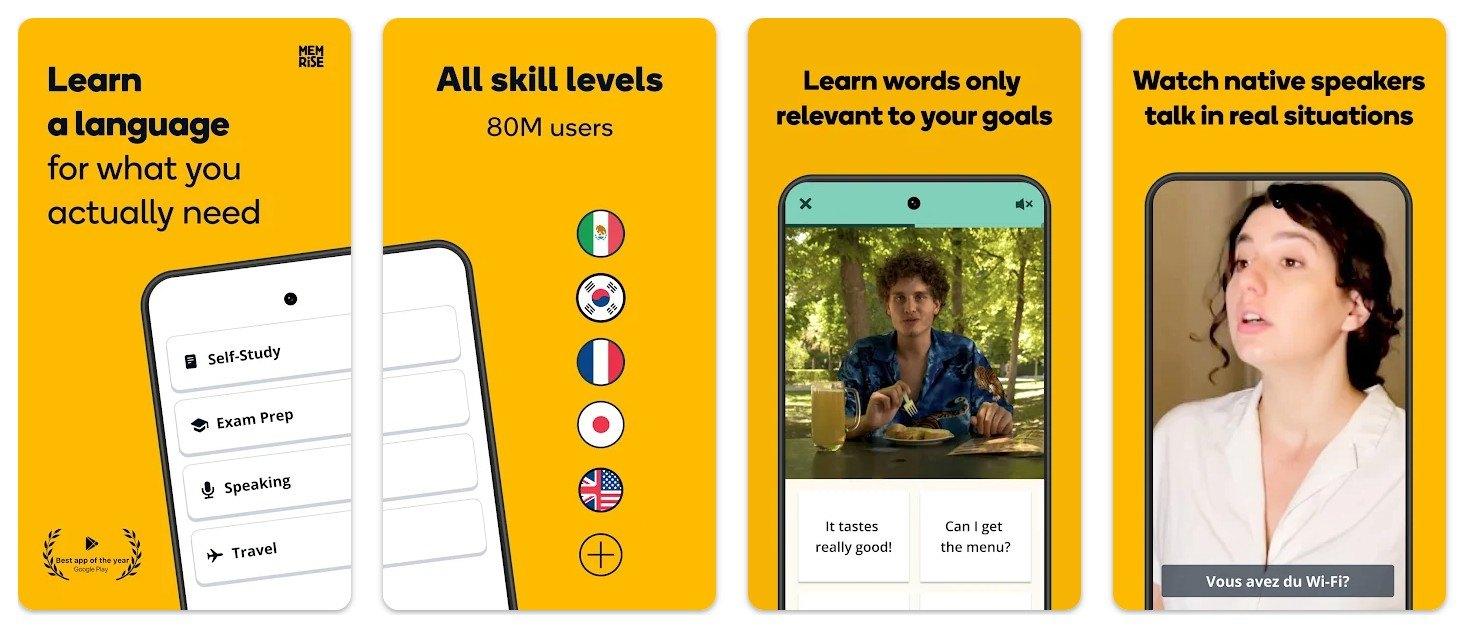
Memrise teaches through short videos of real native speakers in everyday situations. Japanese is one of its headline courses, so you hear locals talk at natural speed.
You pick a goal, such as travel, speaking at work, passing an exam or exploring a culture, and Memrise focuses vocabulary on it. Topic podcasts and daily AI conversation practice add more listening and speaking.
Memrise says 80 million learners have used it, and its community-made courses now live on a separate website.
Ideal For
Memrise suits Japanese learners who need to train their ear.
- Anime fans who want to hear how Japanese sounds off screen
- Visual learners who like watching speakers form words
- Travelers building vocabulary for specific situations
It's less suited to learners who want in-depth grammar on a free plan.
Top Features
Memrise's features focus on real-world Japanese.
- Native-speaker videos: Real people, real accents and real situations.
- Goal tracks: Self-study, exam prep, speaking and travel paths.
- AI conversation practice: A daily chat exercise inside the app.
- Topic podcasts: Listening practice on subjects you choose.
The video library remains its signature.
Why It Stands Out
Memrise stands out as one of the smartest choices for listening practice with real people. Seeing locals talk helps you adjust to the speed of natural Japanese, which is often faster than textbook audio.
Reviewers also like that it feels less gamified than many rivals, and some say watching mouths move helps their pronunciation.
Pros
Memrise's strengths are authenticity and focus.
- Videos of real native speakers
- Goal-based vocabulary paths
- AI conversation practice and podcasts
- A generous free tier
It's one of the better apps for getting used to how Japanese sounds in real life.
Cons
Recent changes have frustrated some regular Memrise users.
- A redesign removed features long-time users relied on
- Community courses moved out of the app
- Grammar explanations sit behind a paid plan
- Advanced learners say progress stalls
It builds recognition faster than speaking confidence.
Customer Reviews
Memrise holds 4.8 stars from 217K ratings on the US App Store, where it carries an Editors' Choice badge, and 4.6 stars from 1.57M reviews on Google Play (50M+ downloads). Users love the native-speaker videos, daily conversation practice and goal-based scenarios.
Complaints focus on the redesign, the removal of community courses from the app, paywalled grammar and bugs.
Final Verdict
Memrise is a smart pick for Japanese learners who want to understand fast, natural speech and build vocabulary around a goal.
Deeper practice needs a paid plan. Learners who want regular spoken conversation with detailed feedback will need a speaking-focused app too.
8. LingoDeer
Overview
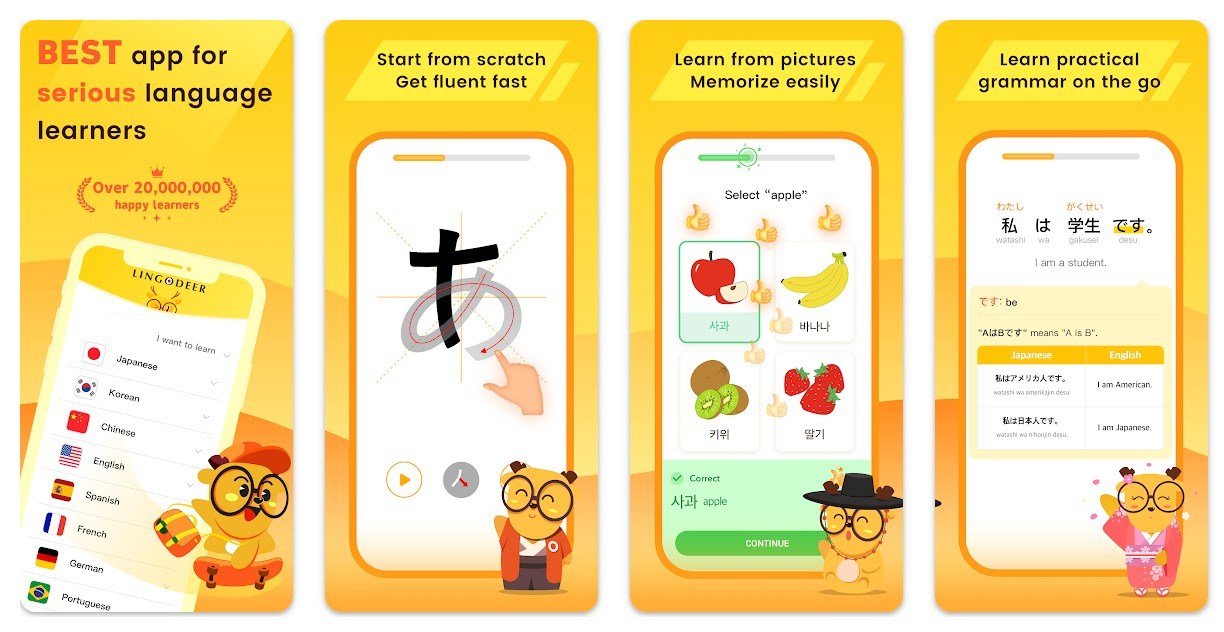
LingoDeer is a course app known for its Asian language programs, including Japanese, Korean and Mandarin Chinese. It teaches 19+ languages to English speakers through structured lessons, clear grammar notes and recordings of native speakers.
For Japanese, you can display kanji, hiragana or romaji to match your reading level, and a recent update restored the test for the Japanese alphabet section. Spaced review, offline lessons and dark mode round out the app.
LingoDeer has no AI conversation, and one reviewer praised what looked like zero reliance on AI.
Ideal For
LingoDeer suits learners who want to understand how written Japanese works.
- Complete beginners who need kana, kanji and grammar foundations
- Manga readers who want to start reading simple Japanese
- Self-directed learners who like a clear, step-by-step path
It's less suited to learners who need conversation practice before a trip.
Top Features
LingoDeer's features focus on structure and review.
- Script display options: Switch between kanji, hiragana and romaji as your reading improves.
- Grammar notes: Clear explanations that break down sentence structure.
- Native-speaker recordings: Audio and video of real people.
- Spaced repetition: Earlier words and grammar return for review.
Offline lessons let you keep studying in a subway tunnel.
Why It Stands Out
LingoDeer stands out as one of the strongest apps for Japanese foundations. Reviewers repeatedly praise its Japanese, Korean and Mandarin courses and the clarity of its grammar.
Many compare it favorably with gamified apps, and its spaced review keeps bringing back kana and vocabulary you've already met.
Pros
LingoDeer's strengths come from careful course design.
- Clear grammar explanations
- Script display options for Japanese
- Native-speaker audio and video
- Spaced repetition and offline lessons
It's a solid way to build reading and grammar skills.
Cons
LingoDeer has clear limits for speaking.
- Guided lessons stop around pre-intermediate level (N4 or A2), reviewers say
- Speaking practice is self-assessed, with no AI conversation
- Some exercises accept only one phrasing
- You can't test out of later modules you already know
It builds foundations, but you'll need another app to practice conversation.
Customer Reviews
LingoDeer holds 4.4 stars from 454K reviews on Google Play, where it has 10M+ downloads. Learners praise its clear grammar explanations, real native-speaker recordings and the strength of its Asian language courses.
The main complaints concern the paywall, limited depth beyond pre-intermediate level, rigid answer checking and self-assessed speaking practice.
Final Verdict
LingoDeer is a smart pick for beginners who want a structured start in Japanese scripts and grammar.
Its lessons stop before conversational fluency and its speaking practice is self-assessed, so pair it with an app built for speaking.
9. Mondly
Overview
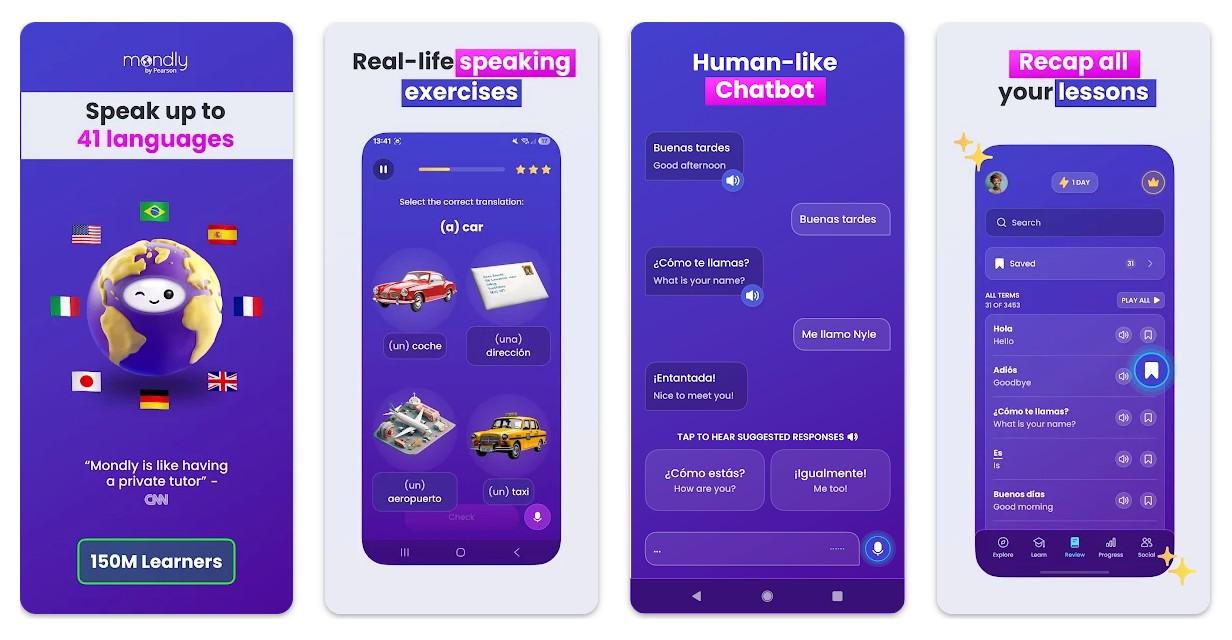
Mondly is a language app from Pearson that teaches 41 languages, including Japanese, through short daily lessons. It mixes vocabulary, grammar and speaking exercises with a human-like chatbot for conversation practice.
A hands-free mode, lesson recaps and a flexible learning path add more ways to practice, and a separate virtual reality app offers immersive scenes. Mondly's listing says 150 million learners have used it.
Ideal For
Mondly suits learners who want variety in short sessions.
- Multilingual learners studying Japanese alongside other languages
- Beginners who want a visual, structured start
- Hands-free learners who practice while doing other things
It's less suited to learners who need grammar and politeness explained in depth.
Top Features
Mondly's features cover the basics of daily practice.
- 41 languages: One app for many language goals.
- Human-like chatbot: AI conversation practice with corrections.
- Hands-free mode: Speaking practice without tapping.
- VR app: Immersive scenarios in virtual reality.
Its range is its main draw.
Why It Stands Out
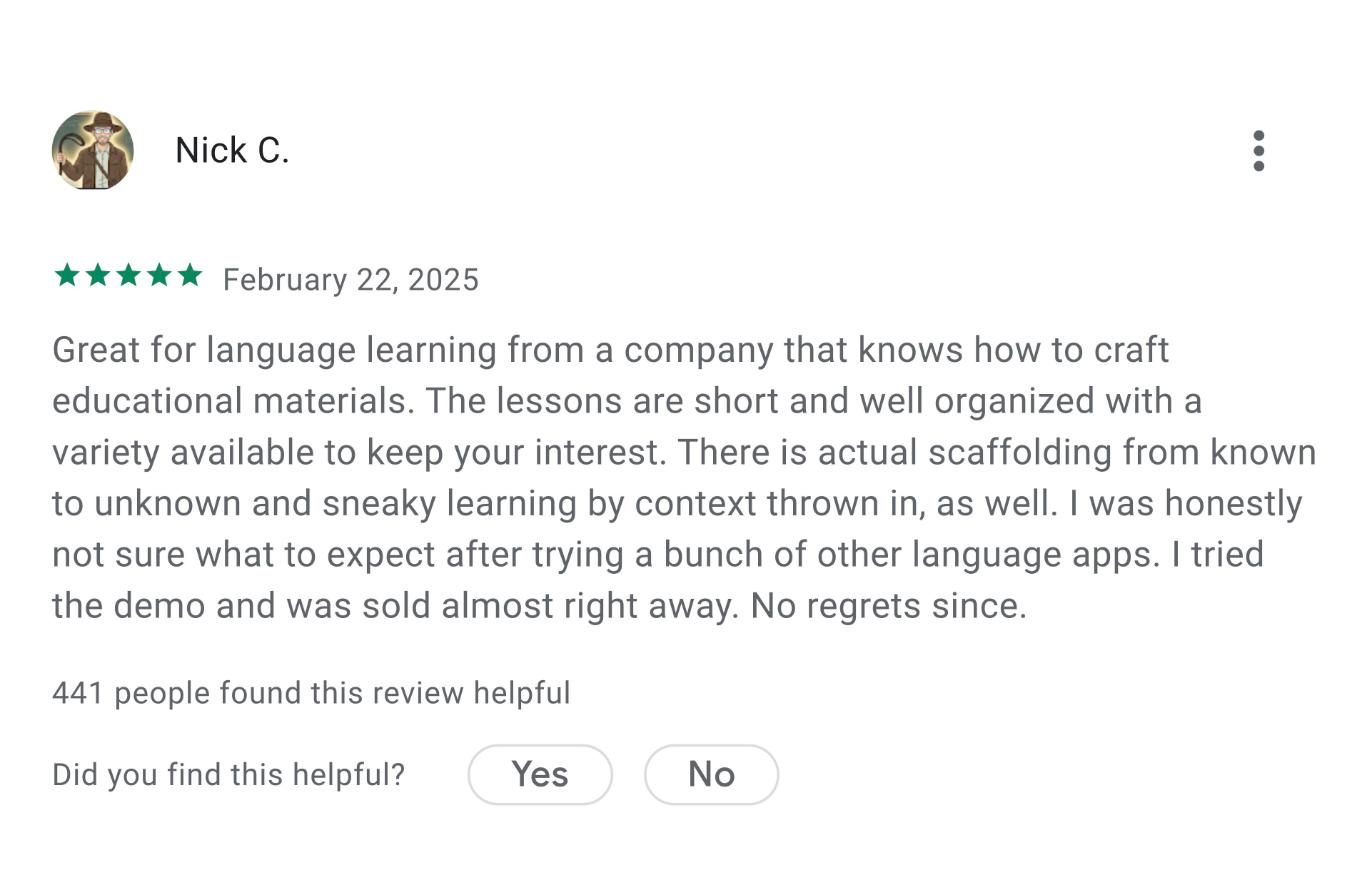
Mondly stands out as one of the strongest options for language range in a polished app. Reviewers describe its lessons as short, well organized and carefully scaffolded from known to unknown.
Its chatbot corrections and hands-free mode add useful speaking practice on top.
Pros
Mondly's strengths are range and structure.
- 41 languages, including Japanese
- AI chatbot with corrections
- Hands-free speaking practice
- Short, well-organized lessons
It's a dependable all-rounder for people learning several languages.
Cons
Mondly has weaknesses users mention often.
- Speech recognition is the most frequent complaint
- Little grammar explanation
- Course quality varies, and one reviewer found formal and informal speech mixed in the Korean course
- Exercises can feel repetitive
For Japanese, where politeness levels matter, have a fluent friend try the course with you if you can.
Customer Reviews
Mondly holds 4.7 stars from 33K ratings on the US App Store and 4.4 stars from 928K reviews on Google Play, where it has 50M+ downloads. Users praise its well-structured lessons, wide language range, hands-free speaking and AI chatbot.
The most frequent complaints concern speech recognition, thin grammar explanations and uneven quality from one course to another.
Final Verdict
Mondly is a good choice for learners who want many languages in one well-designed app, with a chatbot for basic Japanese conversation.
Speech recognition issues and thin grammar slow you down once Japanese sentences get longer and more polite.
10. italki
Overview
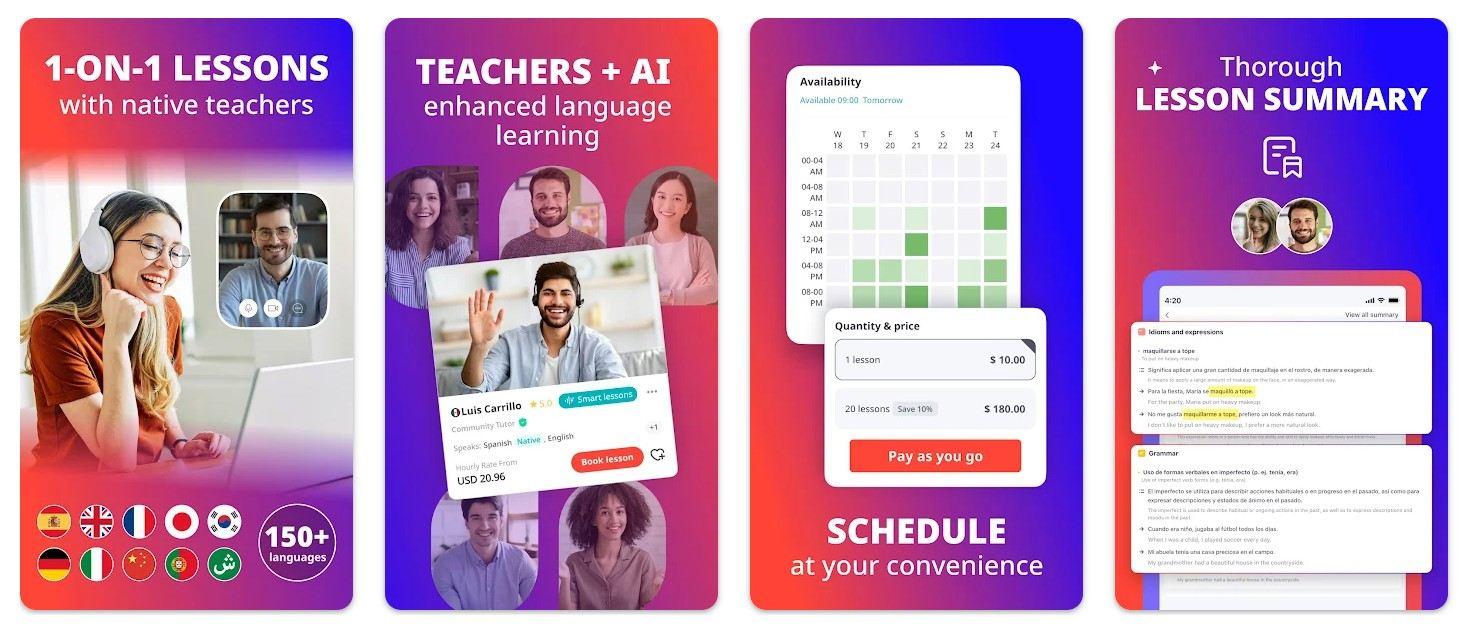
italki is an online marketplace for private lessons with native teachers. You browse teachers, book one-on-one video lessons at times that suit you, and pay per lesson or by package.
It covers 150+ languages, and Japanese is one of the languages named in its listing. Lessons come with summaries of key expressions and grammar, and a free community helps you find language partners.
italki says more than ten million students have used it, and recent versions add AI-enhanced tools alongside its teachers.
Ideal For
italki suits learners who want personal teaching on their own terms.
- Learners who want a dedicated Japanese teacher to coach politeness and pronunciation
- Travelers who want a few live sessions before a trip
- Introverts who prefer private lessons at home
It's less suited to daily practice, since every extra hour adds to the cost.
Top Features
italki's features support private tutoring.
- 1-on-1 lessons: Live video sessions with native teachers.
- Lesson summaries: Key phrases, grammar and sentence structures after each class.
- Teacher choice: Switch teachers whenever you like.
- Language community: A free space to find practice partners.
The marketplace model puts you in control of who teaches you.
Why It Stands Out
italki stands out as one of the strongest options for finding a native Japanese teacher on demand. You can try several teachers and keep the one whose style fits.
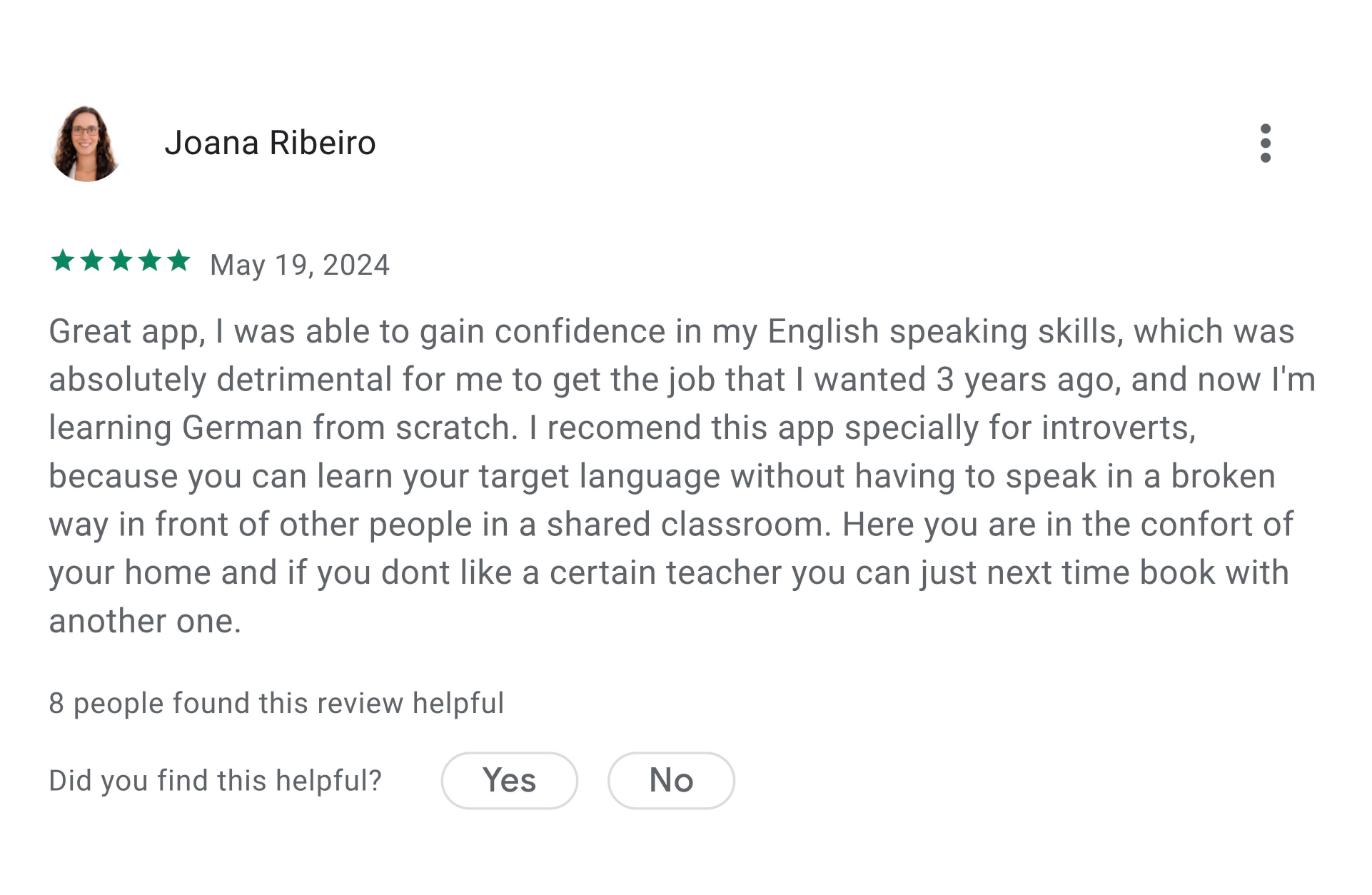
Reviewers say its lessons helped them build the confidence to speak, and one credits it with landing a job.
Pros
italki's strengths are flexibility and choice.
- Private lessons with native teachers
- Freedom to change teachers
- Pay-per-lesson booking
- Lesson summaries after class
It's ideal for learners who want human teaching without a subscription.
Cons
italki shares the limits of tutor marketplaces.
- Each hour costs far more than app-based practice
- Lessons need scheduling, often across time zones with teachers in Japan
- Teacher quality varies
- The app lags behind the teaching, with weak tutor filters
Daily speaking practice gets expensive quickly.
Customer Reviews
italki holds 4.8 stars from 9.9K ratings on the US App Store and 4.4 stars from 18.7K reviews on Google Play, where it has 5M+ downloads. Learners praise the native teachers, private lessons from home and the freedom to switch teachers.
Complaints focus on the app itself, especially tutor search filters, repeating tutor lists and saved tutors that are hard to find.
Final Verdict
italki is a strong choice for learners who want a native Japanese teacher without a subscription, such as a traveler booking a few sessions before Tokyo.
Cost and scheduling make daily speaking practice hard to sustain. A common setup is an AI tutor for everyday practice plus occasional italki lessons.
What Makes a Good App to Learn Japanese?
The best Japanese language learning apps share a few traits, whatever their teaching style. They focus on what you can say and understand in real situations after a few weeks.
Use these five criteria to judge any Japanese app before you commit.
1. Speaking Practice From Day One
Many Japanese courses start with characters, and learners can spend months on kana and kanji before they say a full sentence. A good app puts you in spoken practice in your first week and lets reading catch up at its own pace.
Check how much of a typical session you spend talking. Open conversation about your own plans, like a Tokyo itinerary, counts for more than repeating a recorded phrase.
2. Real-Time Feedback You Can Adjust
Japanese pronunciation is fairly regular, but rhythm, long vowels and word choice are easy to get wrong without feedback. Good apps correct you in the moment, show a better way to say it and explain the mistake.
Settings matter too. A slower speaking speed helps while your ear adjusts, and a choice between gentle and strict feedback suits both nervous beginners and confident learners.
3. Explanations in Your Native Language
Japanese puts the verb at the end, marks roles with particles such as wa, ga and o, and changes verb forms with politeness. Explanations in a language you already speak make those differences click sooner than explanations in Japanese you only half follow.
This holds for learners whose first language isn't English too. A Brazilian anime fan can hear explanations in Portuguese, and if you're still building your English, our guide to the best apps to learn English covers that side.
4. Memory and a Plan Built Around Your Goal
A trip to Tokyo, a favorite anime series and a Japanese coworker all call for different vocabulary. Look for an app that asks about your goal and level at setup, then adapts lessons as you improve.
Memory of your past mistakes is the clearest sign the plan is personal. If the app remembers that you keep mixing up wa and ga, every session gets more useful.
5. Progress Measured in CEFR Levels
Streaks measure consistency. To see whether you can order dinner in Shibuya, look for an app that scores your sessions against CEFR levels from A1 to C2.
Many Japanese learners also follow JLPT levels from N5 to N1, which test reading and listening. CEFR tracking of what you say tells you how your speaking is moving.
How to Choose the Best App to Learn Japanese
The best apps for learning Japanese depend on your goal, your schedule and how much reading you need right now. Work through the factors in this table, then try two or three apps for a few days each before you pay for a year.
| Factor | What to Check | Why It Matters |
|---|---|---|
| Your goal and deadline | Write down what you're preparing for, such as a Tokyo trip in two months, anime with fewer subtitles or chats with Japanese friends. | A trip calls for speaking practice now, while a long-term reading goal can start with kana and kanji. Your goal also tells you which features matter most. |
| Speaking and reading needs | Decide whether you need to talk first or read first, and check how soon each app has you saying full sentences. | Most travelers need to speak and understand long before they can read a menu in kanji. A speaking app plus a script app covers both. |
| Politeness coaching | Check whether the app corrects casual and polite Japanese in conversation and explains the difference. Try a sample exchange with a shop clerk or hotel receptionist. | Anime Japanese is often casual or rough, and polite forms matter with strangers in Japan. A role-play shows how an app handles it. |
| Feedback and settings | Look for corrections on pronunciation, grammar and word choice, plus adjustable speaking speed and feedback style. | Fast native speech is a common shock for beginners. Slowing it down and picking gentle or strict feedback keeps you practicing. |
| Fit with your day | Time a full session on your commute. Note how many minutes you spend speaking and whether you'd come back tomorrow. | The best app is the one you still open in month three. Short daily sessions add up faster than occasional long ones. |
| Japanese course depth | Confirm that the Japanese course itself includes conversation, feedback and native audio. Some AI features cover only a few languages. | Several apps on this list limit AI conversation to other languages. A long language list doesn't guarantee a full Japanese course. |
Score each shortlisted app on all six factors. For most travelers and anime fans, the best language app to learn Japanese is the one that wins on the first four.
Everything You Need to Know About Japanese Learning Apps
This table sums up the key points of the guide. Use it to compare Japanese language learning apps quickly before you download.
| Category | Key Considerations |
|---|---|
| Top 3 Apps | Praktika for speaking with an AI tutor, LingoDeer for kana, kanji and grammar, and Pimsleur for hands-free audio practice. |
| Best Overall Option | Praktika, for spoken conversations with instant corrections, memory and native-language explanations across 14 languages. |
| Why Use a Japanese App | Apps fit practice into short daily sessions on a commute, cost far less than private lessons and let you make mistakes in private. |
| How to Choose | Start from your goal and deadline, separate speaking and reading needs, check politeness coaching and feedback, then time a real session. |
| Ease of Getting Started | Easy. Most apps place you by level in minutes, and Praktika explains in your native language for beginners. |
| Must-Have Features | Speaking practice from day one, real-time feedback, native-language explanations, a personal plan and progress tracked in CEFR levels. |
| Mistakes You Shouldn't Make | Waiting until you can read kanji to start speaking, copying rough anime speech with strangers, and chasing streaks over speaking time. |
Typing "best app learn Japanese" into a search bar returns dozens of options, and the best learn Japanese app for you is the one that gets you talking. For most beginners heading to Tokyo, that's Praktika.
Learning Japanese with colleagues for work? Compare the best corporate Japanese training options, or start a team trial of Praktika for Business.